Dark mode for Google Search Console
Google said Search Console dark mode was a joke, so I built it. GSC Dark Mode adds a Light / Dark / Device default switch to the GSC header, and keeps the metric tiles and charts in their real colours.
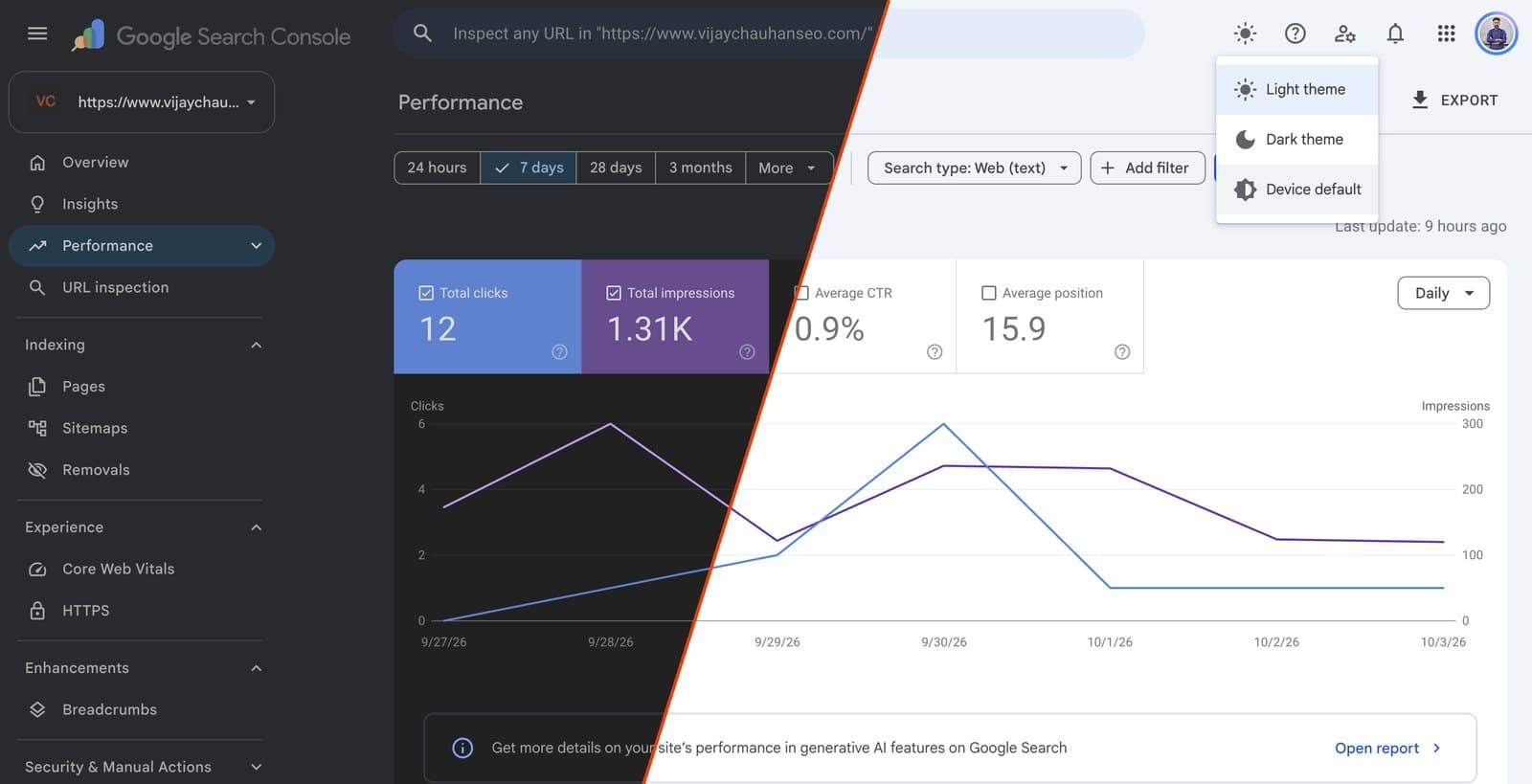
The same report, dark and light. A real capture, running live inside Google Search Console.
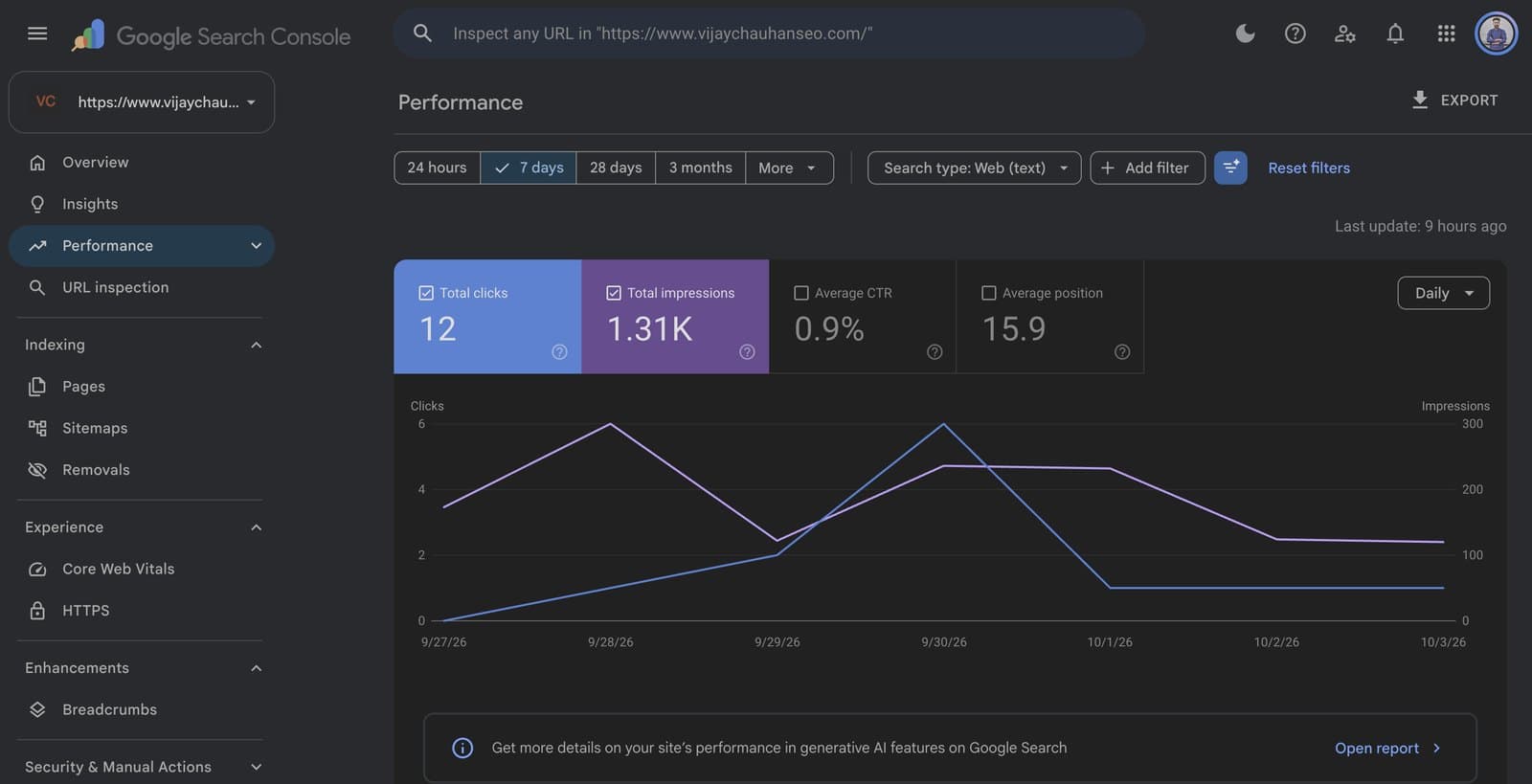
The metric tile colours GSC uses, kept exactly as they are in dark mode.
Search Console only comes in bright white
Search Console is a bright white screen, and SEOs stare at it for hours, often late at night.
Google has no dark mode for it. When one was "announced" on stage in 2026, Google confirmed it was a joke.
Generic dark mode extensions just invert the page, so the Clicks and Impressions tiles turn into washed-out pastels.
The backstory: Barry Schwartz's report on Search Engine Roundtable.
A proper dark theme, one click away
- A Light / Dark / Device default switch sits right in the GSC header.
- Metric tiles, buttons and chart lines keep their real colours.
- Favicons, avatars and images are left untouched.
- It works on every Search Console report, with no setup.
Built for the hours you spend in Search Console
Nothing to configure. Install it and Search Console opens in dark mode.
A switch in the GSC header
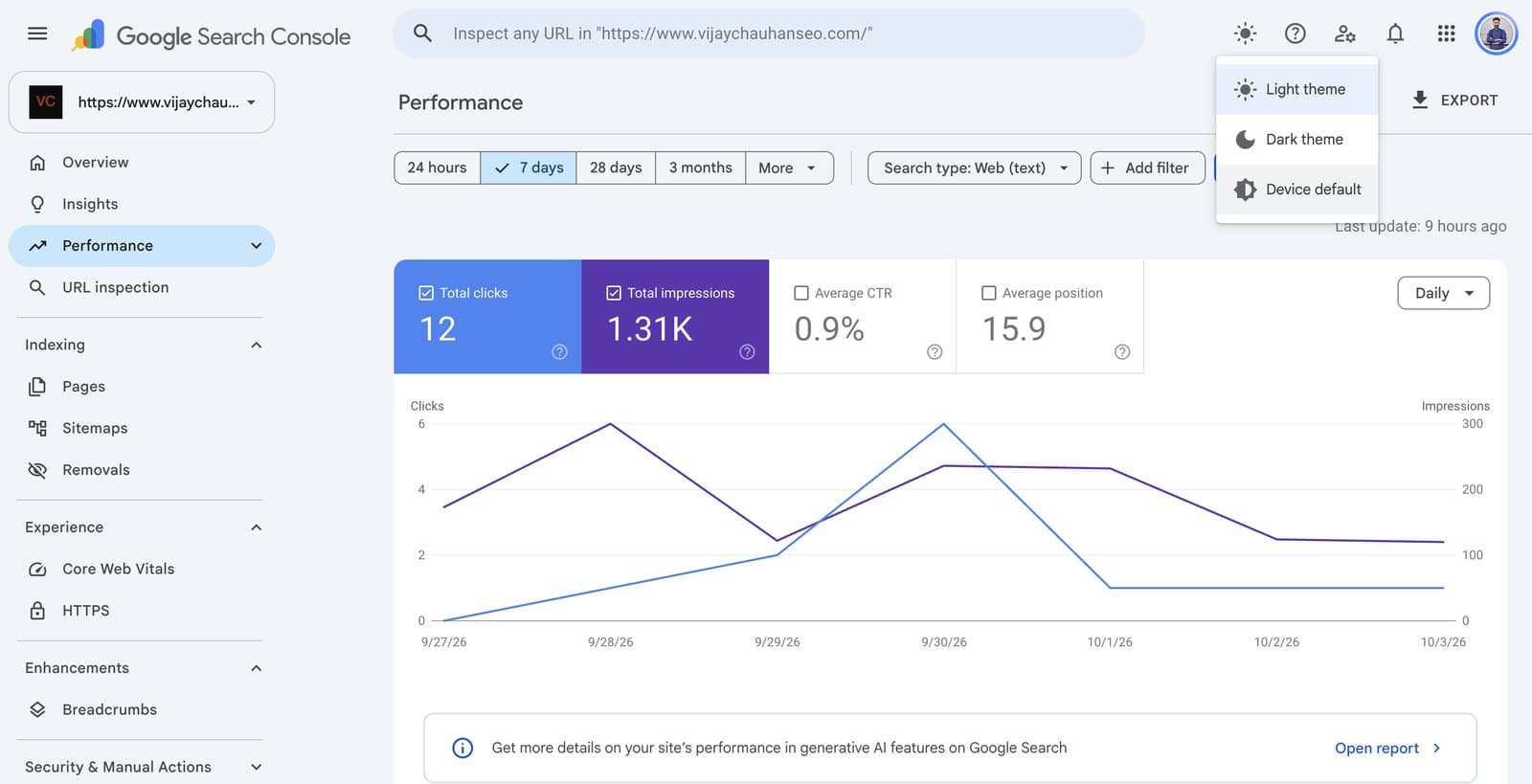
Light theme, Dark theme or Device default, from a toggle beside the Help icon. It's the same appearance switch Google uses on its developer sites.
Real colours kept
Brand-coloured surfaces such as the metric tiles and primary buttons are detected and left untouched, so blue stays blue and the white numbers stay readable.
No white flash
Your theme is applied before the page draws, including when you move between reports inside Search Console.
Adjustable darkness
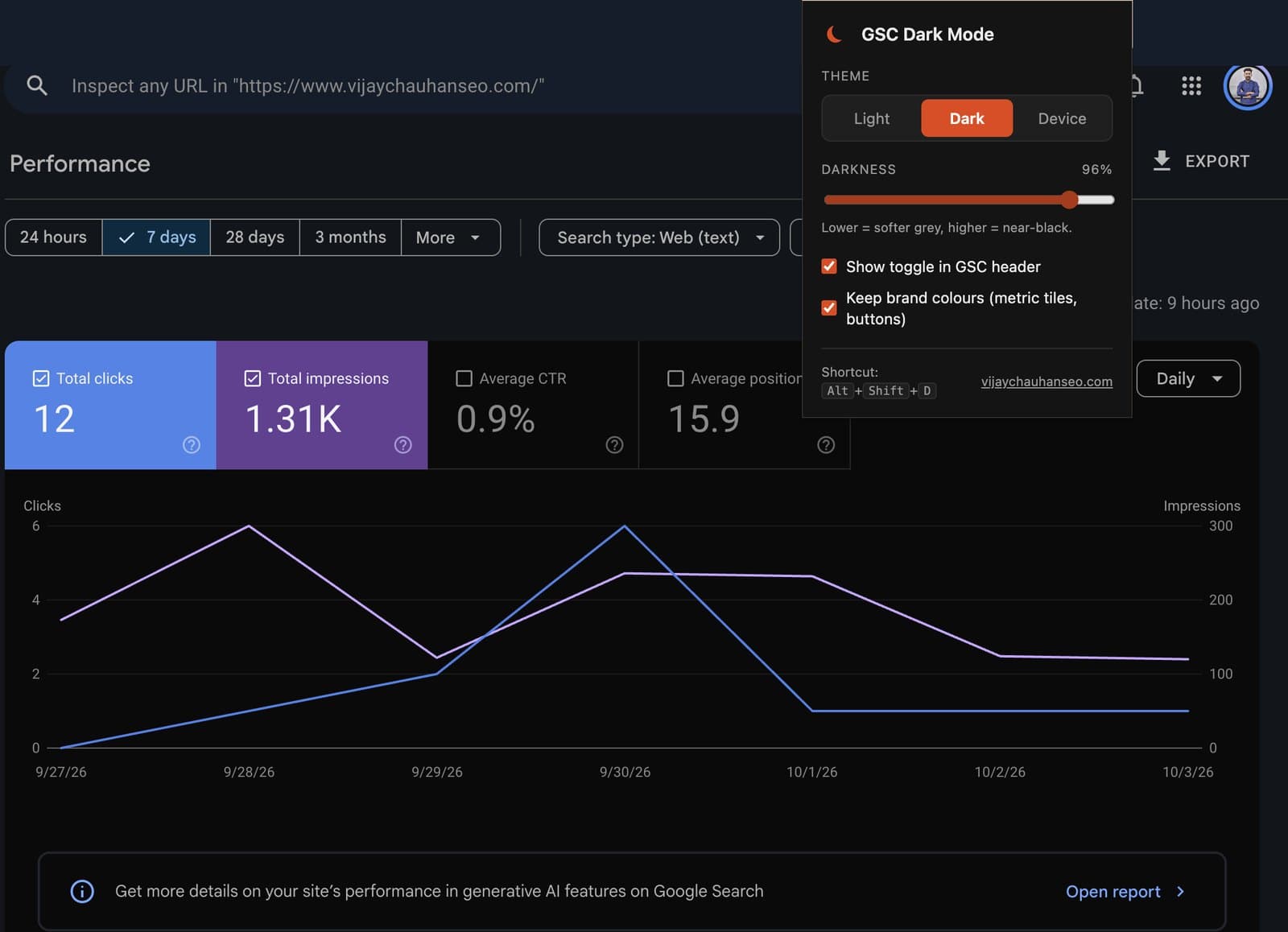
A slider from soft grey to near-black, so the darkness level suits you.
Keyboard shortcut
Alt+Shift+D switches between light and dark from anywhere in Search Console.
Private by design
No account, no servers and no data collection. It saves only your display preferences, in Chrome's own storage.
See it in Search Console
Up and running in 10 seconds
Add it to Chrome
Free from the Chrome Web Store. No account, no setup.
Open Search Console
Dark mode is on by default, on every Search Console report.
Pick your theme
Use the toggle in the GSC header, the extension popup, or Alt+Shift+D.
Frequently asked questions
Does Google Search Console have a dark mode?
No. At Search Central Live Deep Dive Europe 2026 a Search Console dark mode was shown on stage, but Google later confirmed it was a joke and that it isn't working on one. GSC Dark Mode adds a dark theme to Search Console through a Chrome extension.
Is GSC Dark Mode free?
Yes. It's completely free, with no account and no paid tier.
Does it collect my data?
No. The extension makes no network requests, has no analytics and never reads or sends your Search Console data. It saves only your display preferences (theme, darkness level and two options) in Chrome's own storage.
Why do the metric tiles keep their colours?
A plain colour inversion would turn the blue Clicks and purple Impressions tiles into pale pastels. GSC Dark Mode detects saturated brand-colour surfaces and restores them, so the tiles, primary buttons and badges look the way Google designed them.
Which pages does it work on?
Only Google Search Console (search.google.com/search-console), including accounts that use the /u/1/ style paths. It doesn't run on any other site.
Does it work with GSC Insights Pro?
Yes. Both extensions can run together, and the Insights Pro panels follow the dark theme.
GSC Dark Mode is a free Chrome extension by Vijay Chauhan, SEO consultant. It is an independent project, not made or endorsed by Google. It collects no data (read the privacy policy). Also try GSC Insights Pro or explore more free SEO tools.